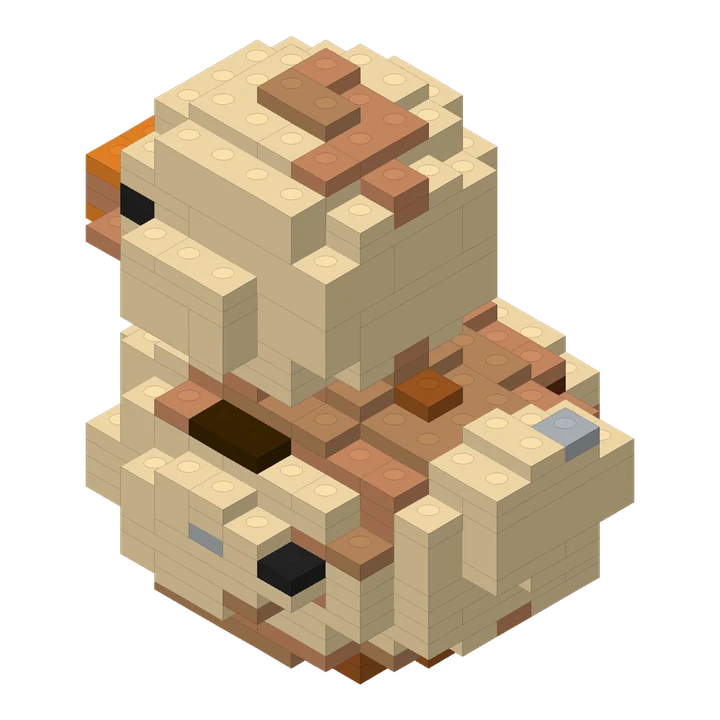
A compact duck design made from a short text description.
274 pieces · 70 steps
Photo to bricks
Turn an object photo into a 3D brick design with an interactive preview, PDF building instructions and a parts list.
Upload a JPG, PNG or WebP photograph up to 8 MB. Keep the whole object in frame, use even light and leave some space around the subject. A three-quarter view reveals more depth than a flat front view.
The shortest side must be at least 128 pixels and the image must contain no more than 25 megapixels.
The service first generates a three-dimensional source from your photo, then converts its geometry and colors into a brick design. All selected sizes use that same source. You do not need to choose an object category.
Each selected size includes an interactive brick preview, online steps, a PDF booklet, a CSV parts list and an instructions package. Source 3D files remain private intermediate data; they are not downloadable.
Hidden geometry is inferred. Small details, thin attachments, transparent materials and subtle colors may change. Review the finished preview and digital checks. These files do not include physical bricks, purchasing or delivery.
A compact duck design made from a short text description.
274 pieces · 70 steps
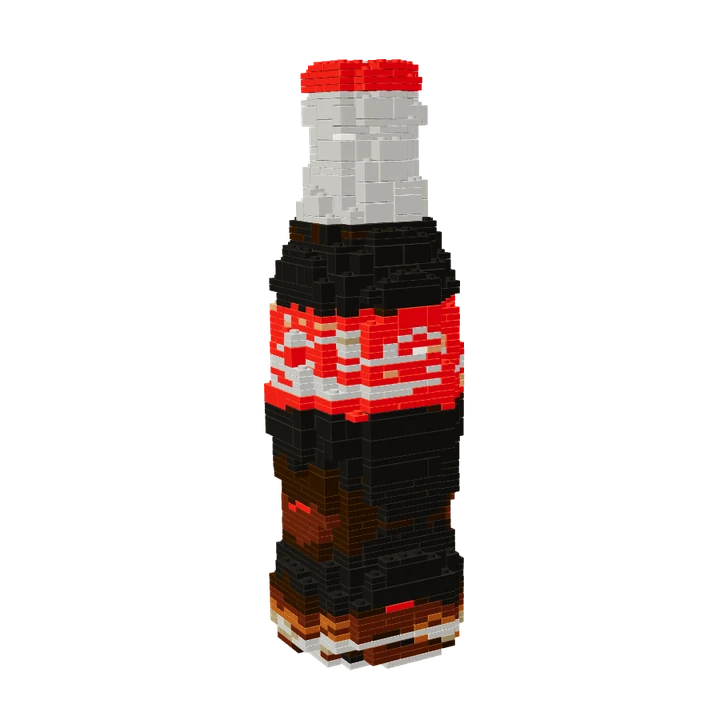
A familiar bottle silhouette converted into a medium-size brick design.
1,172 pieces · 273 steps
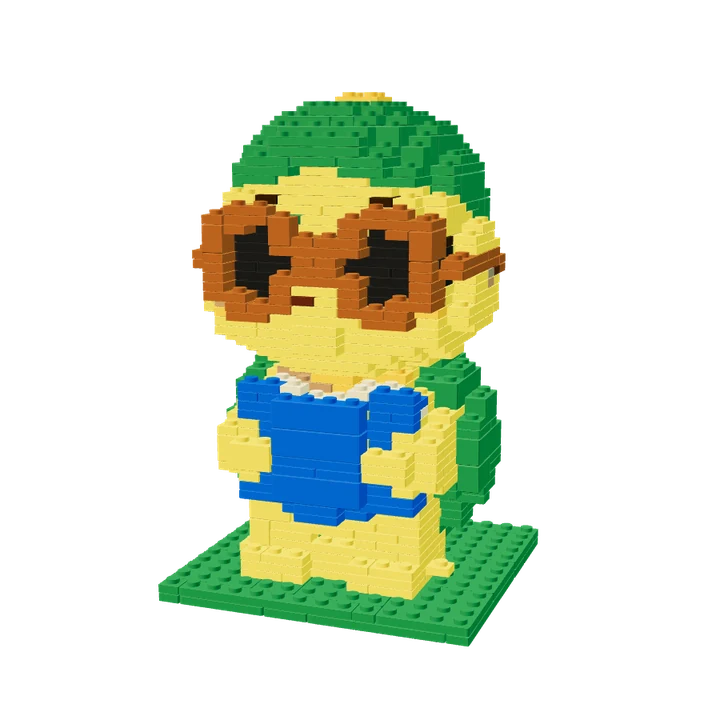
The photo-based turtle used in the homepage story, with its actual medium-size brick layout.
670 pieces · 156 steps
Reviewed by the Lingo Lego team · Updated